- 您現(xiàn)在的位置:買賣IC網(wǎng) > PDF目錄98068 > S1C6N3B0D0A0100 MICROCONTROLLER, UUC54 PDF資料下載
參數(shù)資料
| 型號: | S1C6N3B0D0A0100 |
| 元件分類: | 微控制器/微處理器 |
| 英文描述: | MICROCONTROLLER, UUC54 |
| 封裝: | DIE-54 |
| 文件頁數(shù): | 51/79頁 |
| 文件大小: | 606K |
| 代理商: | S1C6N3B0D0A0100 |
第1頁第2頁第3頁第4頁第5頁第6頁第7頁第8頁第9頁第10頁第11頁第12頁第13頁第14頁第15頁第16頁第17頁第18頁第19頁第20頁第21頁第22頁第23頁第24頁第25頁第26頁第27頁第28頁第29頁第30頁第31頁第32頁第33頁第34頁第35頁第36頁第37頁第38頁第39頁第40頁第41頁第42頁第43頁第44頁第45頁第46頁第47頁第48頁第49頁第50頁當前第51頁第52頁第53頁第54頁第55頁第56頁第57頁第58頁第59頁第60頁第61頁第62頁第63頁第64頁第65頁第66頁第67頁第68頁第69頁第70頁第71頁第72頁第73頁第74頁第75頁第76頁第77頁第78頁第79頁
S1C6N3B0 TECHNICAL MANUAL
EPSON
47
CHAPTER 4: PERIPHERAL CIARCUITS AND OPERATION (Serial Interface)
4.9.3 Master mode and slave mode
The serial interface of the S1C6N3B0 Series has two types of operation mode: master mode and slave
mode.
In the master mode, it uses an internal clock as the synchronous clock of the built-in shift register and
outputs this internal clock to the SCLK terminal to control the external (slave side) serial interface.
In the slave mode, the synchronous clock output from the external (master side) serial device is input
from the SCLK terminal and is used as the synchronous clock to the built-in shift register. Furthermore
the SRDY signal that indicates whether the serial interface is in ready status or not is output from the
SRDY terminal (when the SRDY terminal is set).
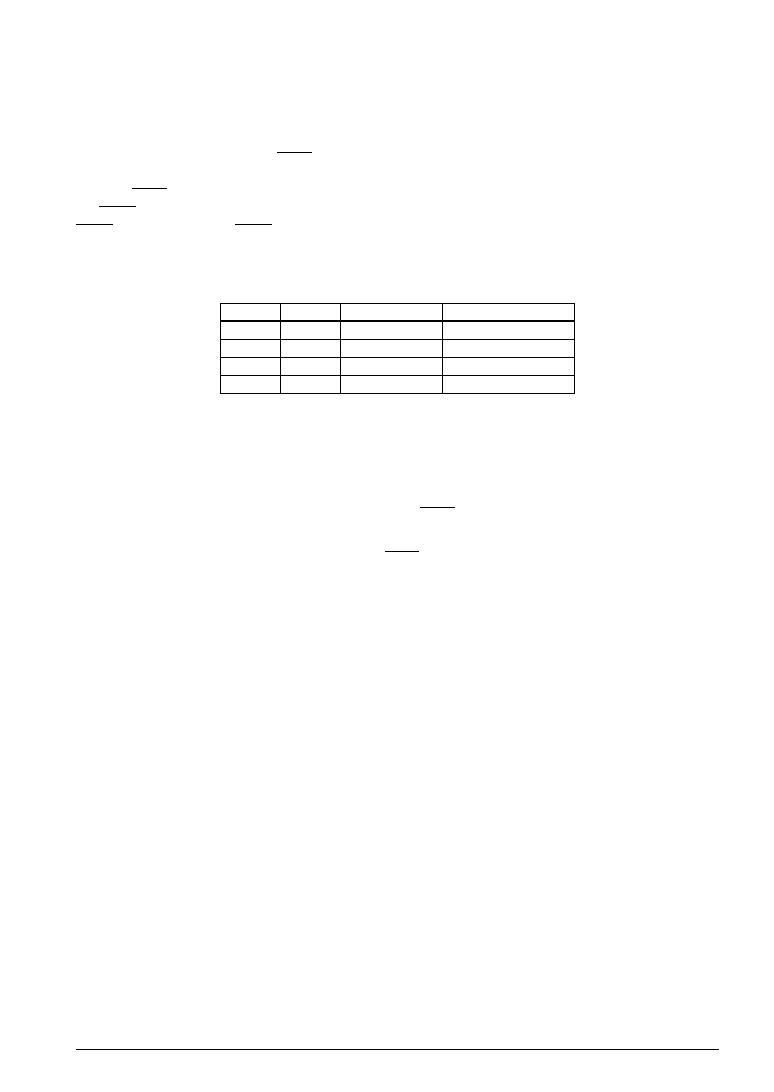
The master mode or slave mode is selected using the SCS0 and SCS1 registers; when the master mode is
selected, a synchronous clock may be selected from among 2 types as shown in Table 4.9.3.1.
Table 4.9.3.1 Synchronous clock selection
SCS1
1
0
SCS0
1
0
1
0
Mode
Master mode
–
Slave mode
Synchronous clock
CLK/2
CLK
–
External clock
CLK:
CPU system clock fosc
CLK/2: CLK divided by 2
At initial reset, the slave mode (external clock mode) is selected.
Moreover, the synchronous clock, along with the input/output of the 8 bits serial data, is controlled as
follows:
In the master mode, after output of 8 clocks from the SCLK terminal, clock output is automatically
suspended.
In the slave mode, after input of 8 clocks to the SCLK terminal, subsequent clock inputs are masked.
相關PDF資料 |
PDF描述 |
|---|---|
| S1C6P366D0A0100 | 4-BIT, FLASH, 4.1 MHz, MICROCONTROLLER, UUC102 |
| S1C6P466D0A0A00 | MICROCONTROLLER, UUC140 |
| S1C6S2L7D | 4-BIT, MROM, 0.032 MHz, MICROCONTROLLER, UUC58 |
| S1C6S2A7F | 4-BIT, MROM, 0.08 MHz, MICROCONTROLLER, PQFP60 |
| S1C6S2B7F | 4-BIT, MROM, 0.08 MHz, MICROCONTROLLER, PQFP60 |
相關代理商/技術參數(shù) |
參數(shù)描述 |
|---|---|
| S1C-6-S | 制造商:GRIPCO 功能描述: |
| S1C7309X | 制造商:SAMSUNG 制造商全稱:Samsung semiconductor 功能描述:B/W CCD PROCESSOR |
| S1C7309X01 | 制造商:SAMSUNG 制造商全稱:Samsung semiconductor 功能描述:B/W CCD PROCESSOR |
| S1C88349 | 制造商:EPSON 制造商全稱:EPSON 功能描述:8-bit Single Chip Microcomputer |
| S1C88649 | 制造商:EPSON 制造商全稱:EPSON 功能描述:8-bit Single Chip Microcomputer |
發(fā)布緊急采購,3分鐘左右您將得到回復。